Trezor Login: Your Hardware Gateway to Web3 Security
Discover how Trezor Login bridges the world between convenience and cryptographic security. This isn’t just logging in — it’s claiming sovereignty over your digital identity.
Why Trezor Login Matters in 2025
In the evolving world of blockchain security, Trezor Login emerges as a beacon of trust. Forget usernames and passwords; your physical hardware wallet now doubles as your access key to a growing universe of decentralized platforms, exchanges, and applications. It’s simple, safe, and self-sovereign.
💡 The Concept of Hardware Login
Trezor login uses your wallet’s private key to sign cryptographic challenges during authentication. This ensures that only your specific device can approve access, even if an attacker knows your email or username.
🔒 Zero Trust, Total Control
Each login event requires physical confirmation on your device. No password leaks, no centralized data storage — just direct verification between your hardware and the verified platform.
How to Log In with Trezor
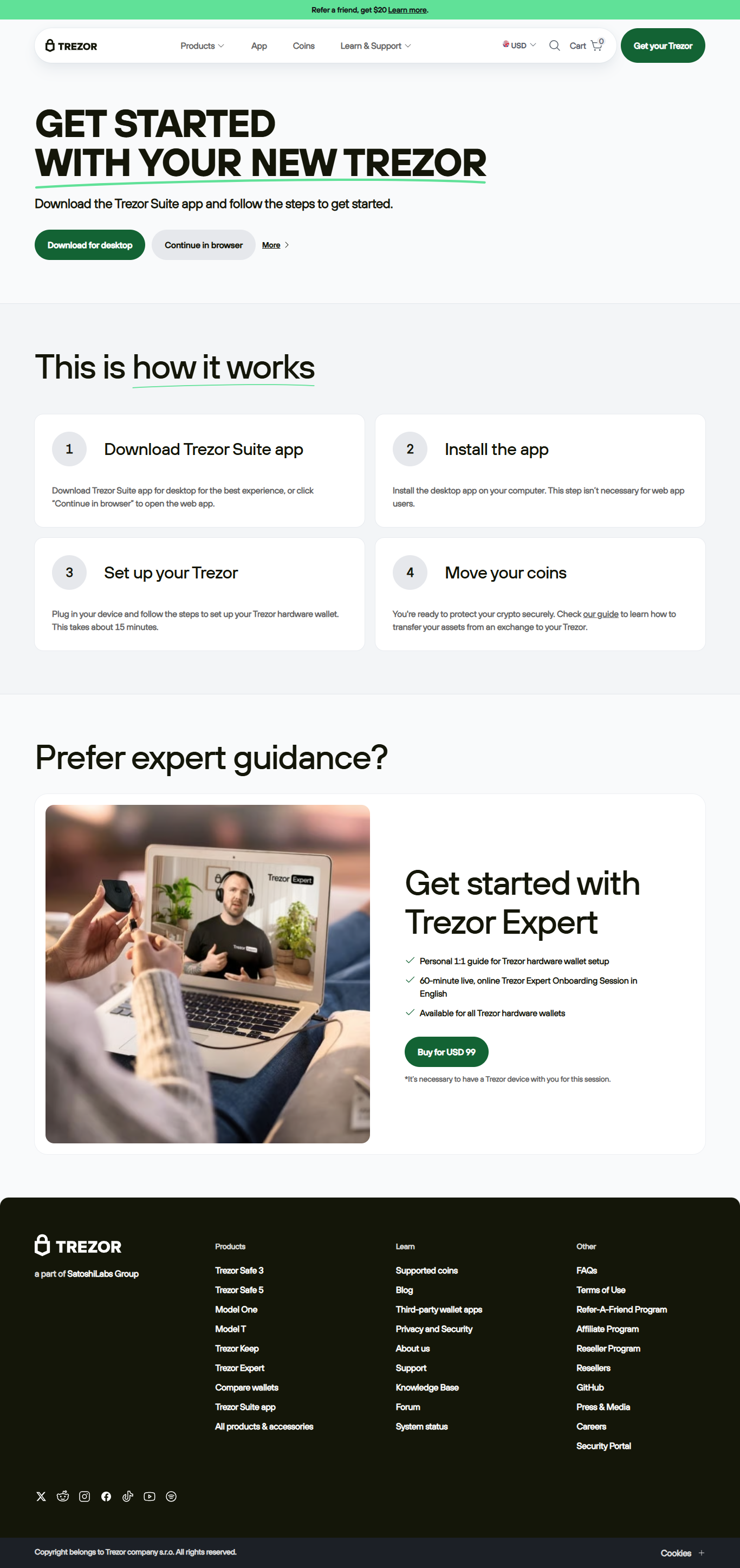
Visit trezor.io/start or open Trezor Suite on your PC.
Connect your Trezor device and enter your secure PIN to unlock it.
Verify the domain name displayed on your device to ensure authenticity.
Confirm login on your Trezor and instantly access your wallet dashboard.
“Passwords belong to the past. Trezor Login makes your identity tamper-proof.”
The physical confirmation system turns every login into a personal cryptographic handshake between you and the service you trust.
Crypto Authentication 2.0
Trezor Login uses elliptic curve cryptography for digital authentication. Unlike passwords, cryptographic keys are mathematically impossible to reverse-engineer.
Offline Security
Even when interacting with online apps, your Trezor signs requests offline, ensuring that private keys never touch the internet.
Cross-Platform Integration
Trezor login is supported by browsers that implement WebAuthn, including Chrome, Brave, and Firefox, making decentralized login universal.
Trezor Login vs Password Login
Frequently Asked Questions
Most modern browsers that support WebAuthn can use Trezor login, including Chrome, Firefox, Edge, and Brave.
You can restore your wallet using your recovery seed phrase on a new device. Keep it offline and secure.
No. Trezor login replaces passwords entirely using cryptographic authentication, not as an extra factor but as the main identity layer.
Trezor Login: The Future of Secure Authentication
No passwords, no phishing, no compromise. With Trezor Login, your identity becomes your strongest layer of defense — authenticated by hardware, protected by you.